



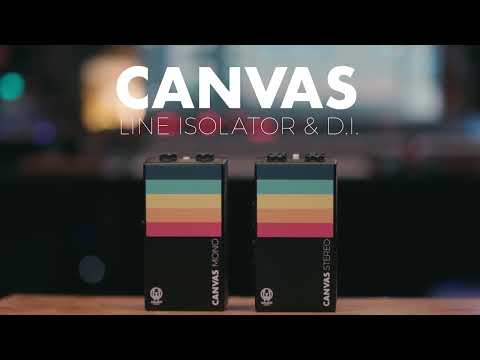

Walrus Audio - Canvas Line Isolator / D.I.

A Canvas for Your Sonic Art:
- The Canvas Mono creates a clear pathway for your signal to reach the front-of-house, interface or powered monitor and rewards your audience with clean, pristine sounds.
You are the artist. Your sound is the paint, and this is your canvas. The Canvas Mono is a direct box / line isolator designed to remove any resistance between you and your audience by giving a pristine sonic foundation to build your masterpiece upon. From houses of worship to the dive bar downtown, Canvas Mono is built to be the performance tool that goes wherever you are making your music.
Canvas Mono is a passive line isolator (LI) and direct injection (DI) device that converts your unbalanced signal into a balanced signal for interfacing properly with your recording interface or mixer at front-of-house. If you're using an amp-in-a-box (DSP guitar rig), like our ACS1, or running an acoustic or bass guitar direct, then the Canvas Mono is your new bridge to the front-of-house. The Canvas Mono packs everything you need from a DI/LI into a standard pedal-sized enclosure designed to look great right on top of your board.
Direct Injection:
- Use DI mode when connecting an unbalanced, high-impedance source (electric guitar, bass guitar, etc). The signal will be reduced by -20 dB (-35 dB with pad engaged) and converted to a balanced signal via the transformer connected to the XLR output. Use the gain on your mixer or preamp to bring the signal up to line level.
Line Isolator:
- Use LI mode when connecting your unbalanced, low-impedance source (amp + cab sim like the ACS1, keys, etc). The signal will remain full volume and be converted to a balanced signal via the transformer connected to the XLR output. Less preamp gain will be required in LI mode.
DI or LI?
- When deciding between DI or LI, check with the manufacturer of your gear to find the output impedance of the device you are wanting to interface with. For a general guide:
* High Impedance = Anything above 1 k = Use DI
* Low Impedance = Less than 1 k = Use LI
Troubleshooting:
- This is a passive device, so you will not damage anything if connected improperly, but it could affect the signal level and frequency response if not connected properly. This is an easy thing to test since the LI/DI switch is built into Canvas. If you lose high-frequency information when using LI mode, then you should probably be in DI mode.
Specs:
- Flat Frequency Response from 20 Hz - 20 kHz
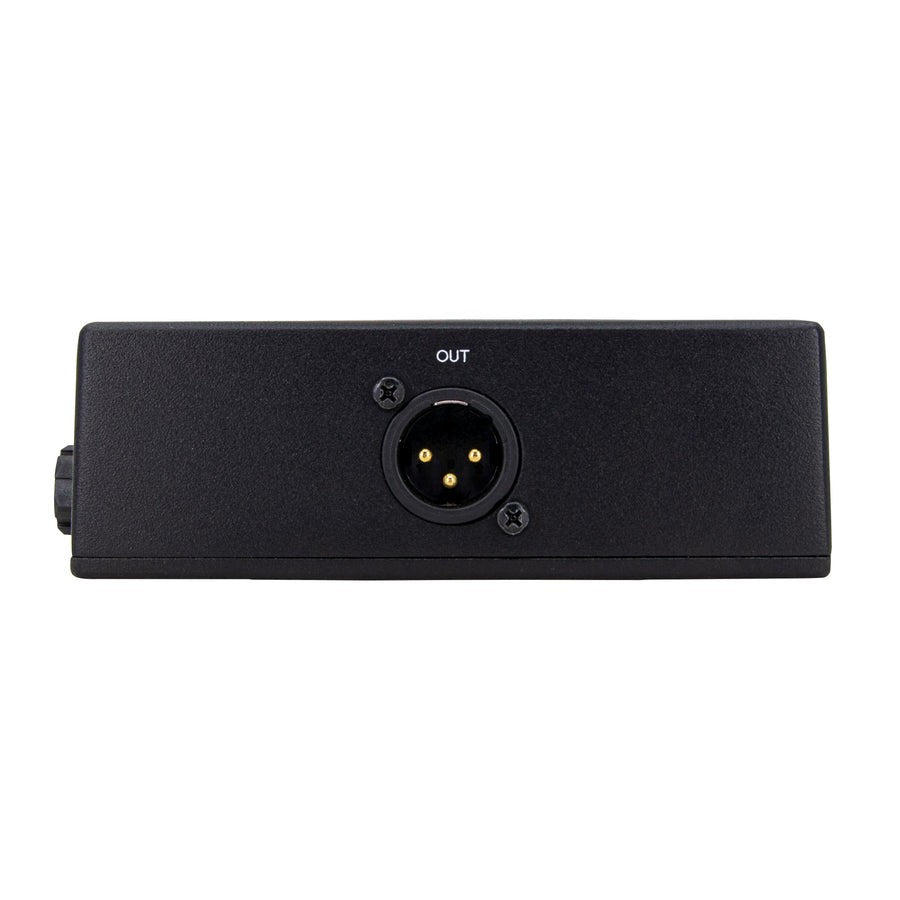
- Converts 1/4" Unbalanced Input to XLR Balanced Output
- Transformer-Isolated Output
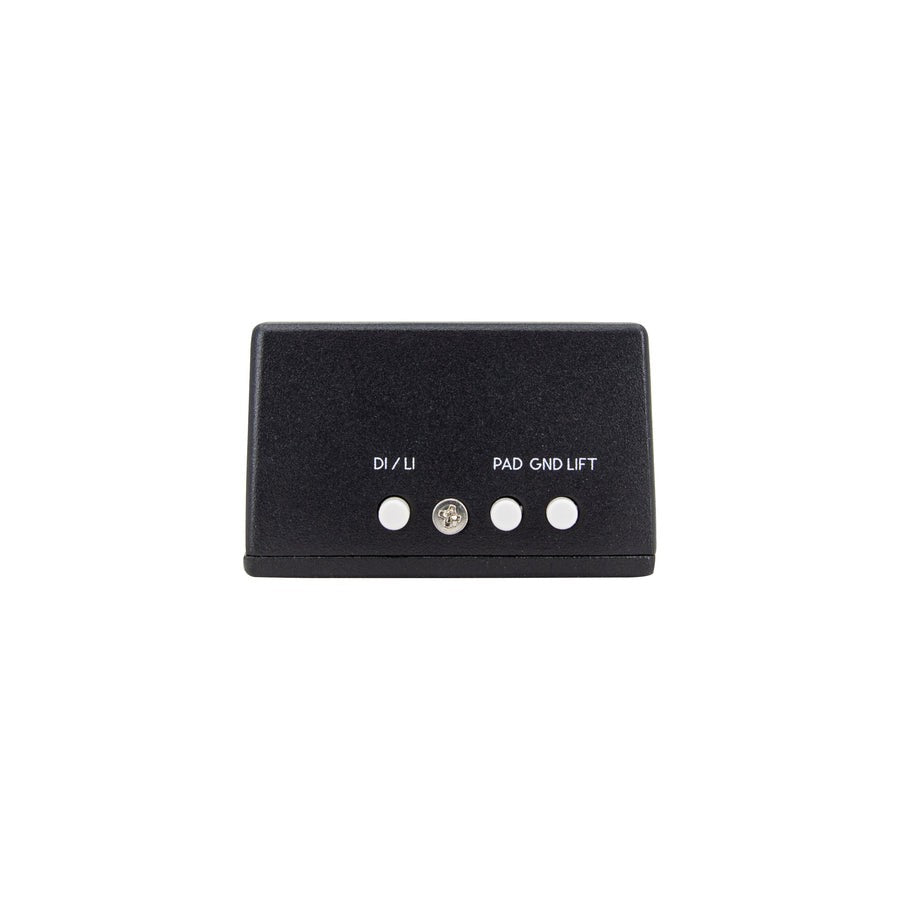
- Sum Switch Turns the Thru Channel into a 2nd Input When Engaged, Allowing Stereo Input Signals to be Summed to the XLR Output
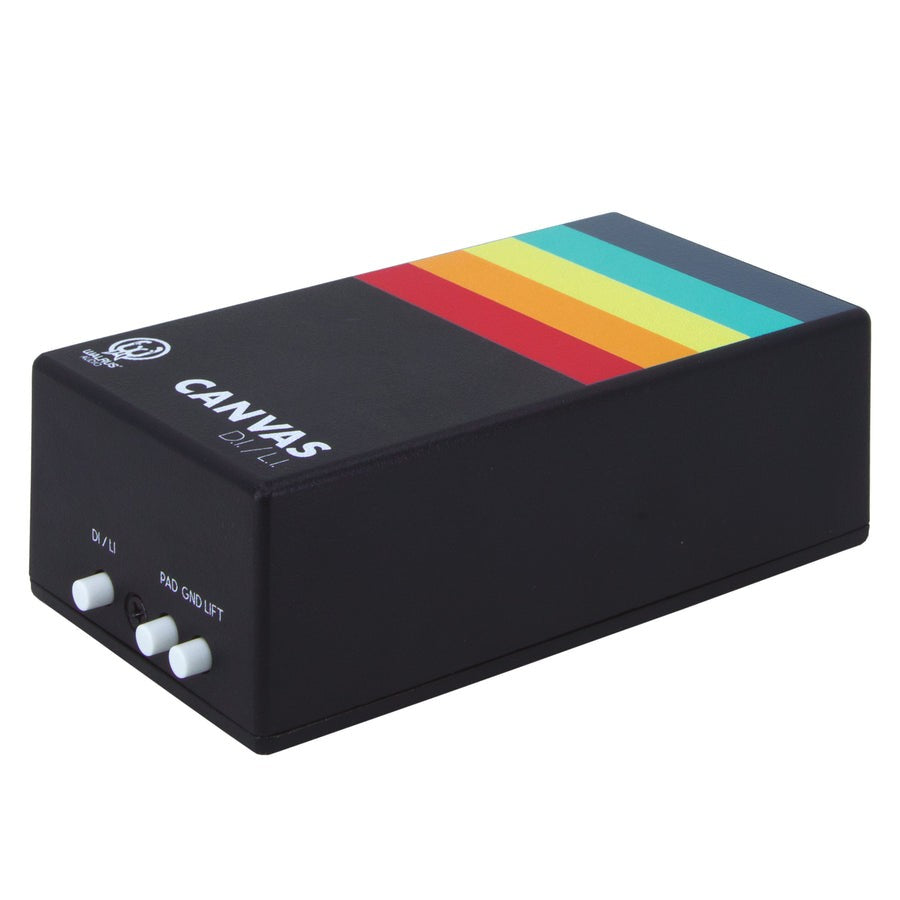
- Pad: Enables a -15 dB Input Pad (Only in D.I. Mode) for Reducing Hot Signals in Order to Minimize Distortion
- D.I./L.I.: Choose Between DI or LI (Out for DI, In for LI)
- GND Lift: Isolates the GND Pin on XLR to Help Reduce Hum If Present. Leave Out for Normal Operation.
- Custom-Wound Transformers for Low THD (Total Harmonic Distortion) and Full Frequency Response
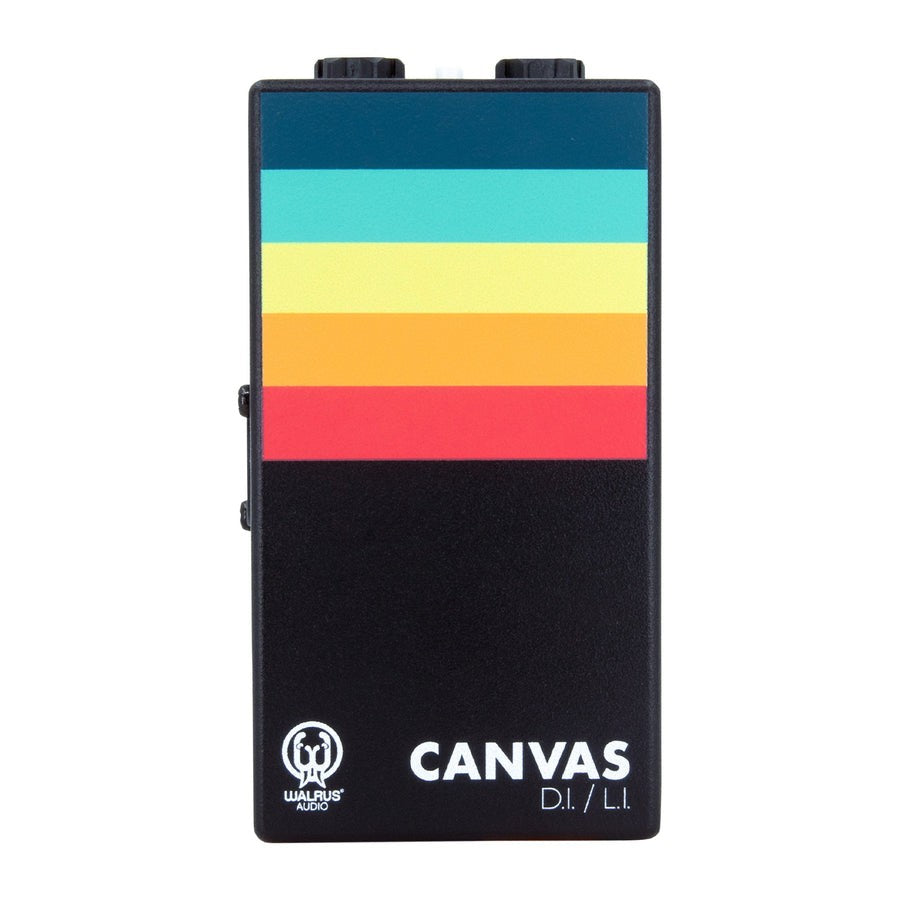
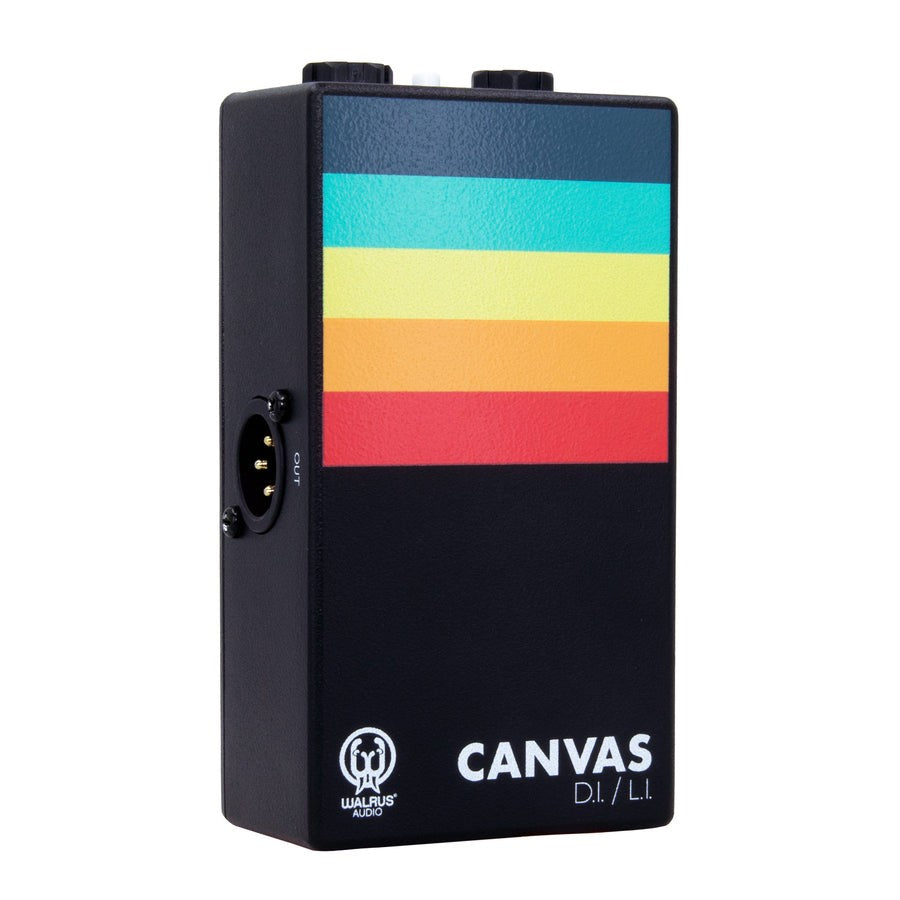
- The Canvas Comes in a Lightly Textured Matte Black Enclosure with Blue, Light Green, Yellow, Orange, Red and White Ink Displaying Your Painter's Palette to Begin Creating Your Sonic Brush Strokes
- The Die-Cast Enclosure's Exact Size Is 4.77" x 2.6" x 1.64"
- Impedance: DI: 10 k Input, 600 Output | LI: 600 Input, 600 Output


